How to learn terminal commands without memorizing everything
The goal is not to recite hundreds of commands. It is to recognize the shape of a problem, find the right tool, and remember the commands your own work keeps bringing back.
Reviewed by the Terminaster editorial team · Updated
What you will take away
- Start with tasks you already understand in a graphical app.
- Learn command shapes—program, options, and arguments—before collecting syntax.
- Use history, tab completion, man pages, and --help as part of the skill.
- Practice recall on commands that recur in your real work.
Terminal fluency is problem solving, not recital
A fluent terminal user does not keep every flag in memory. They know a small set of common tools, understand how commands are assembled, and can recover details quickly. That is a much better target than trying to memorize a cheat sheet from top to bottom.
Think in three layers: the task you want to complete, the tool that fits the task, and the exact syntax for this occasion. You may remember all three for a command you use every day. For an occasional command, remembering the task and tool is enough; built-in help can supply the flags.
Choose real tasks instead of random command lists
Pick work whose result you can inspect. Navigating a practice folder, finding a line in a file, or checking which process owns a port gives the command a reason to exist. Meaning makes syntax easier to retrieve later.
Begin with one safe practice directory. Keep experiments there until you are confident about commands that move, overwrite, or delete files.
- Navigation: pwd, ls, cd, and paths such as ., .., and ~.
- Files: mkdir, touch, cp, mv, and rm inside the practice directory.
- Inspection: cat, less, head, tail, file, and wc.
- Search: grep and find with a small set of files you created.
- Composition: pipes and redirection after individual commands feel familiar.
Create a disposable practice area
mkdir -p ~/terminal-practice
cd ~/terminal-practice
printf 'alpha\nbeta\nalpha\n' > notes.txt
pwd
wc -l notes.txt
grep -n 'alpha' notes.txt
Use a 15-minute learning loop
Short, repeated sessions beat a long weekend of passive reading. Each session should contain a prediction, an attempt, feedback, and one later recall. That final recall is what separates recognition from usable memory.
- 1Choose one small outcome, such as finding every Markdown file changed today.
- 2Attempt it before opening a tutorial. Write down what you remember.
- 3Use man, --help, or a trusted guide to repair the command.
- 4Run it on safe data and inspect the output or exit status.
- 5Close the reference and reproduce the useful part once from memory.
Let the terminal help you recover what you forgot
Terminal fluency includes knowing how to rediscover syntax. Press Tab to complete names, use the up arrow for recent commands, and use shell history search when you remember only one distinctive fragment.
Try a command with --help for a compact option list, or open its manual with man. Manual pages are references rather than lessons, so search for a term instead of reading every line. In the common less pager, type / followed by a word, press Enter to search, and press q to leave.
Recovery tools worth remembering
history
grep --help
man grep
# In many shells: press Ctrl-R, then type part of an old command
Save the commands your work proves are worth remembering
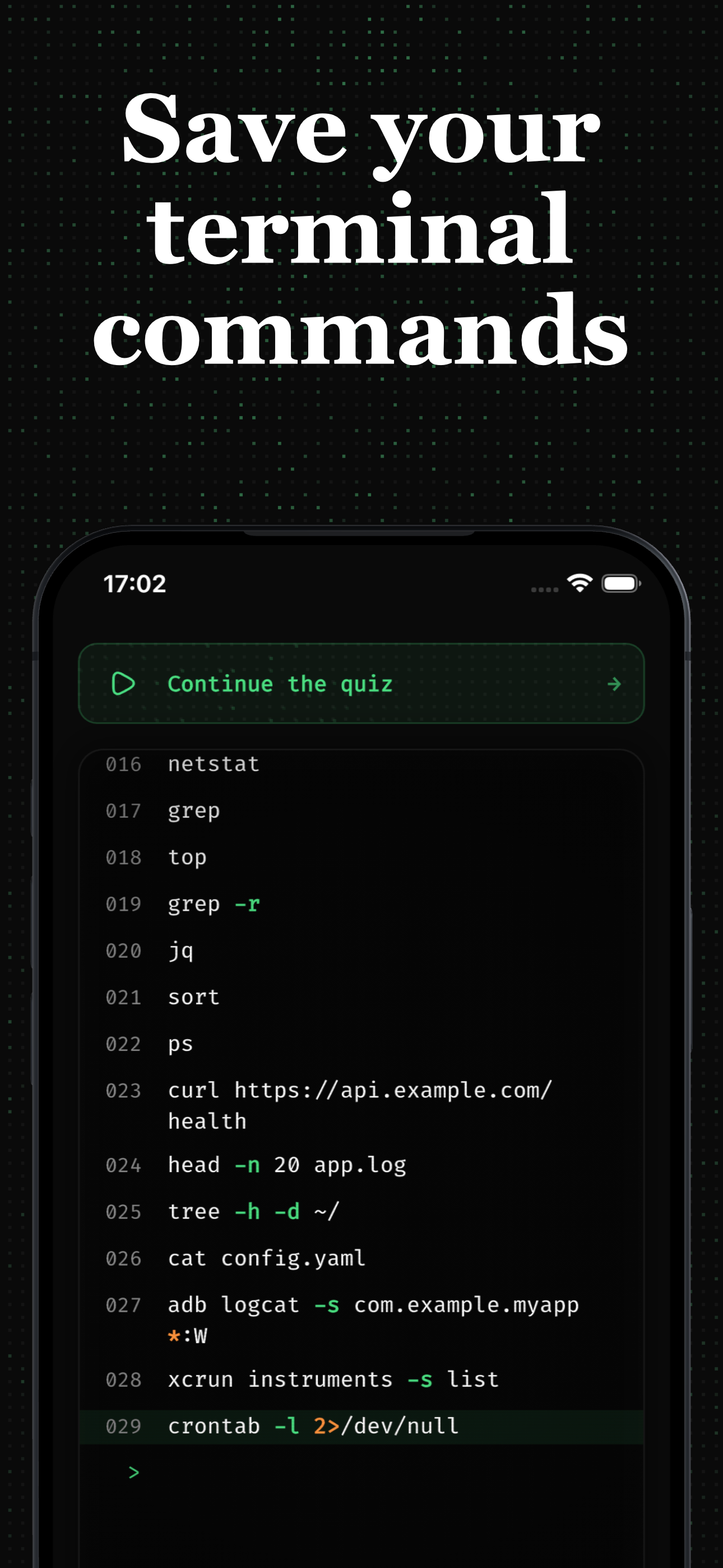
Terminaster is useful after a command has earned your attention. Save the command that solved a real problem, keep enough context to know why it mattered, and review the part you want available without another search.
Do not turn every line of history into a card. Skip one-off paths, secrets, and obvious variations. Prefer a reusable command shape with placeholders, such as grep -Rni [PATTERN] [DIRECTORY], plus a concrete example.
Common questions
Frequently asked questions
How many terminal commands should a beginner learn?
Start with roughly a dozen commands that cover navigation, files, inspection, and search. Add new commands when a real task requires them. The exact count matters less than being able to combine and verify the small set you use.
Should I memorize every command option?
No. Memorize frequent command shapes and safety-critical behavior. Use --help and man pages for uncommon flags. Repeatedly forgotten options are good candidates for deliberate recall practice.
Is copying terminal commands a bad way to learn?
Copying is fine when you first inspect the command, understand its inputs and effects, and verify the result. Blindly pasting commands—especially commands using sudo, rm, or remote scripts—teaches little and can be dangerous.
Keep learning
Sources and next steps
Related mental models
Command anatomy
A shell command is a sequence of words that identifies a command to run and supplies its options, option values, and positional arguments according to that command's interface.
Manual pages and built-in help
Manual pages, a program's help option, and a shell's built-in help are complementary sources that document command syntax and behavior for the installed environment.
PATH and command lookup
PATH is an ordered list of directories a shell searches when a command name contains no slash, subject to shell built-ins, functions, aliases, and cached resolutions.