For iPhone, Mac and Android
Stop looking up the same command twice.
Terminaster explains a command part by part, draws what it does, and brings it back for review just before you would forget it.
From “what does this flag do?” to knowing it by heart.
01
Save a command and see it taken apart
Paste the one-liner you just found. Terminaster names every piece of it, the program, each flag, each argument, and says what that piece does.
02
Ask why, and get a picture
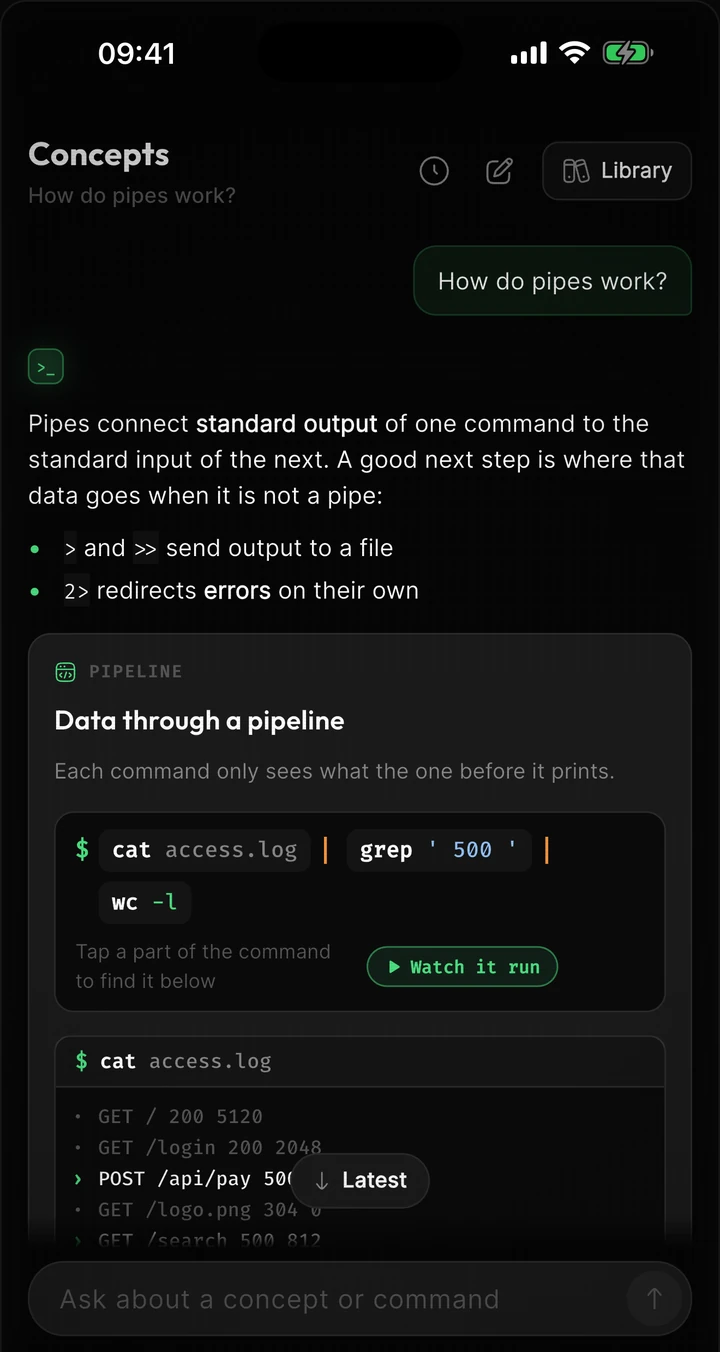
The tutor answers questions about the terminal with diagrams you can tap: where each line goes in a pipeline, what a redirect overwrites, how a git history changes.
This one is live. Tap a command or a | to follow the data.
Tap a part of the command to find it below
grep keeps 3 of 5 lines
× photo.png× song.mp3
3 lines flow into wc
03
Review it before it fades
Each saved command becomes a few short cards. They come back on a schedule that adapts to how well you remembered, so a few minutes a day keeps them within reach.
04
Learn the ideas underneath
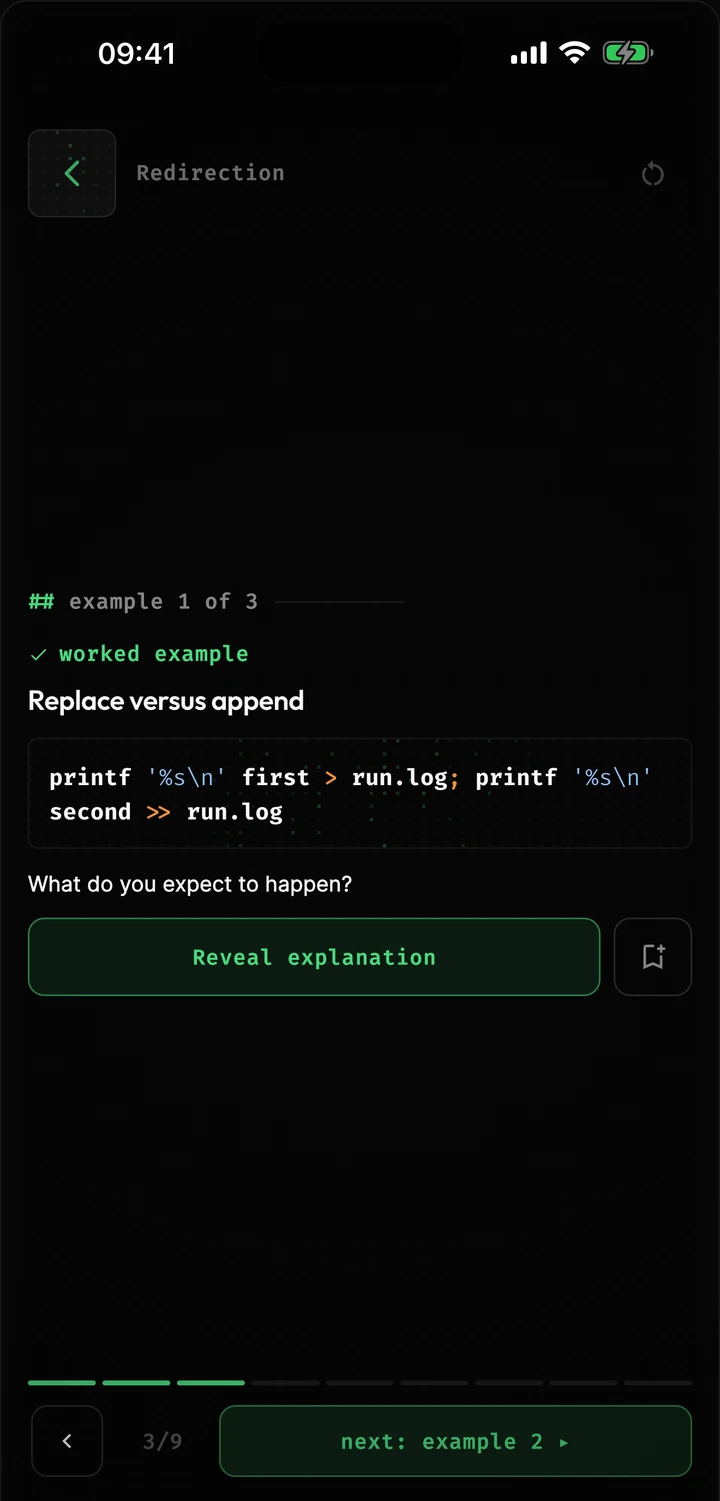
Lessons cover the concepts behind the commands: streams, permissions, processes, networking. Each one asks you to predict what a command will do before it shows you.
Also in the app
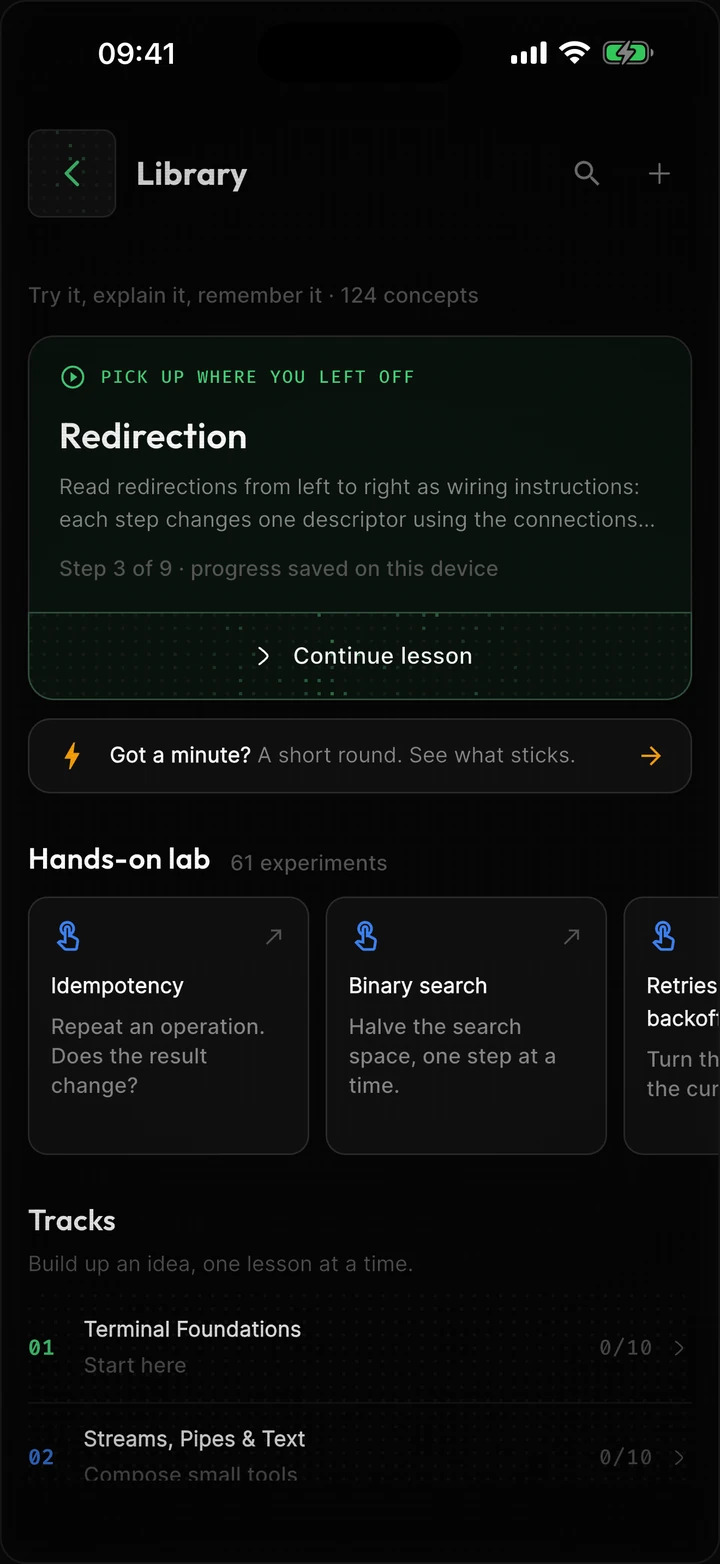
Explore commands you have not met
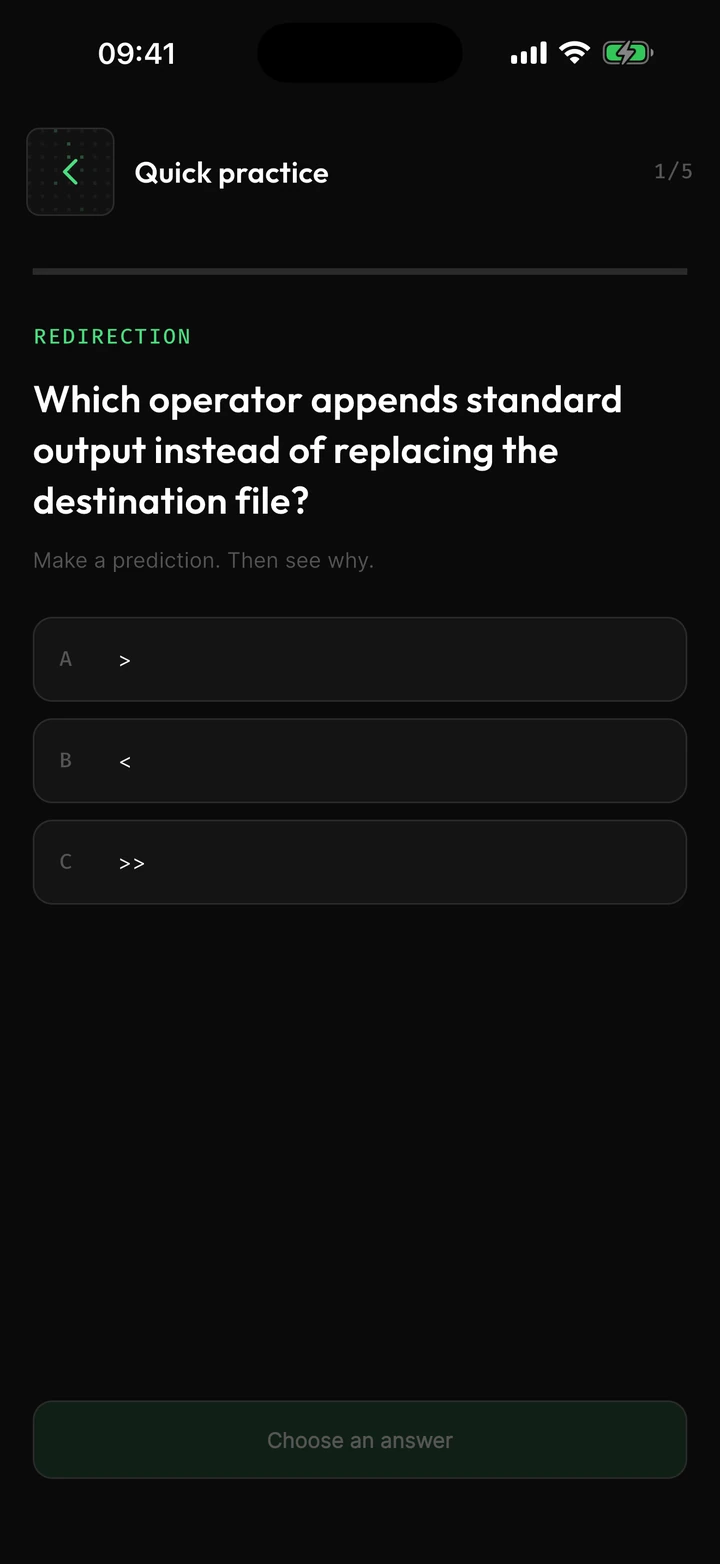
Pick a topic and Terminaster builds a short quiz of real situations: “what command would you use?” Each answer shows you a command worth knowing.
Practice rounds
Up to five quick questions drawn from the lessons you have opened, with the ones you got wrong last time first.
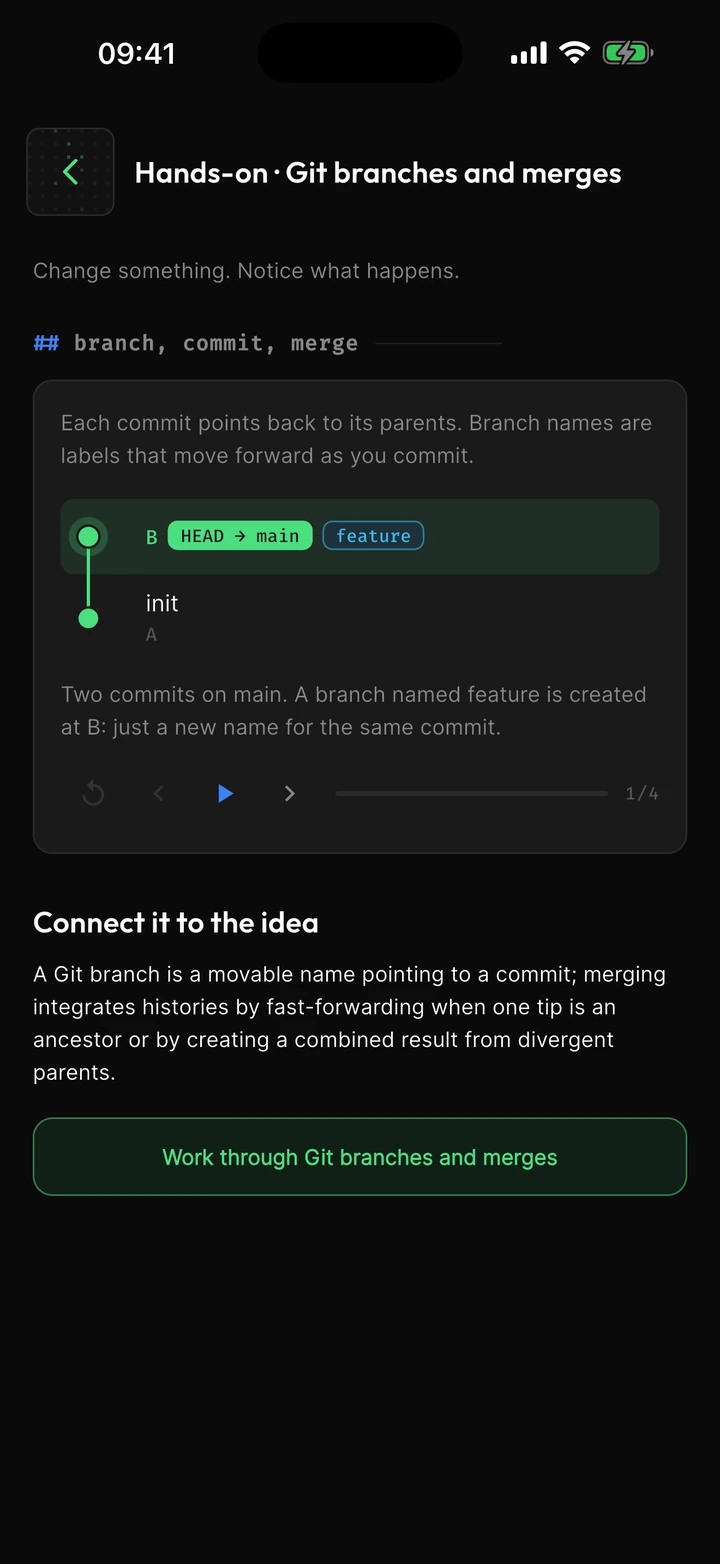
Labs
Small interactive models to play with: change a value, step through an algorithm, replay a network conversation message by message.
Quick save on the Mac
Press ⌘⇧Space anywhere to open a small window, paste the command, and get back to work.
Works with your coding agent
The Mac app ships a command-line tool and an MCP server, so Claude Code or Cursor can save the commands they run for you to learn later.
Synced everywhere
Save on the Mac, review on the phone. Commands and cards follow your account.
Free to read, no account
Start with the library on this site.
Shell, explained
13 commands, drawn
Pipes, 2>&1, chmod numbers, shebangs: one command per page, with a picture you can tap.
OpenConcept library
124 concepts in 14 tracks
Short definitions with examples, from file permissions to processes, networking and git.
OpenGuides
17 guides
What to check when a connection is refused, a port is taken or curl prints something odd.
OpenQuestions
Get Terminaster
On iPhone, Mac and Android. Sign in on each and your saved commands and cards follow you.