Shell, explained
What does chmod +x do?
chmod +x deploy.sh
chmod +x switches on a file's execute permission, so you can start it as a program by typing ./deploy.sh. Without that bit the shell answers Permission denied, even though you can read and edit the file. It changes nothing inside the file.
Without x, the script will not start
A new file is not executable. Exit status 126 means: found it, but not allowed to run it.
Tap a part of the command to find it below
+x switches on the three x bits
The file goes from rw-r--r-- to rwxr-xr-x. Try the other forms: u+x gives the bit to the owner only.
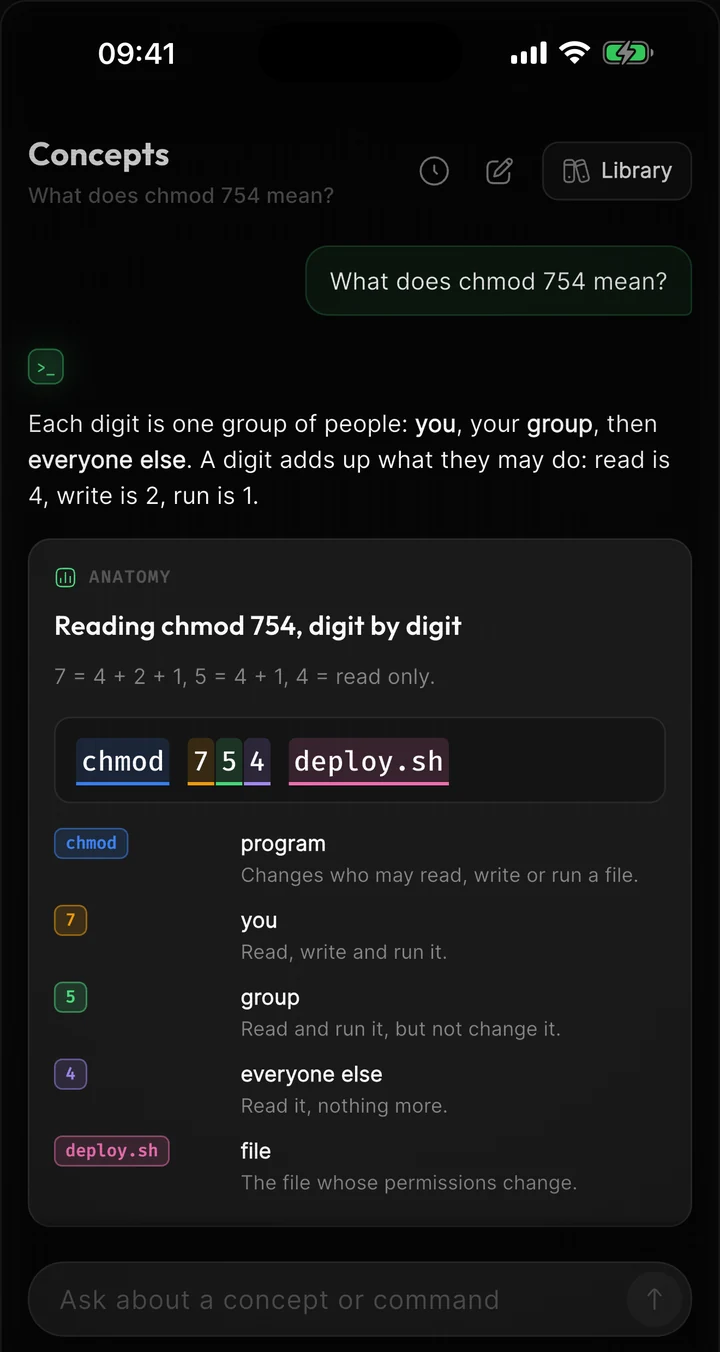
Same result as chmod 755 deploy.sh
4+2+1 = 7
4+0+1 = 5
4+0+1 = 5
- ana, the owner, can read, change and run it
- The staff group can read and run it
- Everyone else can read and run it
Now it runs
chmod prints nothing when it works. && then starts the script.
Tap a part of the command to find it below
no output
exit 0: chmod succeeded, so ./deploy.sh runs
Part by part
chmod- Changes a file's permissions.
+- Adds a permission. - takes one away, = sets exactly what follows.
x- Execute: the right to start the file as a program.
u+x- With a letter in front, only that class changes: u is the owner, g the group, o others, a all three.
deploy.sh- The file. Several files, or a pattern like *.sh, work too.
Common mistakes
Typing deploy.sh instead of ./deploy.sh
The shell only looks for commands in the folders listed in PATH, and the current folder is not one of them. You get command not found (exit 127) however the permissions are set. ./ says: the file right here.
Losing the bit in Git
Git stores the execute bit. If a script arrives without it on another machine, set it in the repository with git update-index --chmod=+x deploy.sh and commit.
Try it
$ ls -l deploy.shLook for x in the first column before and after.
$ chmod u+x deploy.shExecutable for you only.
$ chmod -x deploy.shTake it away again.
Questions
Do I need chmod +x to run bash deploy.sh?
No. There bash is the program being started, and it only needs to read the file. The x bit matters when you start the file itself, as ./deploy.sh.
Is chmod +x the same as chmod 755?
Only if the file was 644 before. +x adds the execute bits and leaves the rest alone; 755 sets all nine bits, whatever they were.
Why does +x reach everyone but +w does not?
With no letter in front, chmod skips the bits your umask hides. With the usual umask of 022, that is write for group and others, so chmod +w only gives write to the owner.
What is the difference between exit 126 and 127?
126: the file was found but could not be run. 127: no such command was found at all.
Terminaster
Stop looking up the same command twice.
Ask about any command you run into and see what it actually does. Terminaster then brings it back just before you would forget it, until you can type it without searching.
The ideas behind it
Executable permission
The execute permission bit allows an eligible user to request execution of a regular file and allows traversal or lookup through a directory, subject to other access controls.
Unix file permissions
Traditional Unix permissions store read, write, and execute bits for three classes: the file's owner, its group class, and others. The meaning of each bit depends on whether the object is a regular file or a directory.
PATH and command lookup
PATH is an ordered list of directories a shell searches when a command name contains no slash, subject to shell built-ins, functions, aliases, and cached resolutions.